0.1.1 - Oct 25, 2026
This is the Embershroud Alpha Playtest build, a closed Steam Playtest. It covers the Vanguard class, combat automation, equipment, crafting and progression up to level 50. Balance and progression are still being tuned and may change during the playtest.
New
The Vanguard
- Create a Vanguard and customize their appearance. - Discover six Vanguard skills as you progress, and choose which skills belong in your combat setup. - Build around equipment, Talents and the Vanguard's Momentum and Counter Ready mechanics. Try different combinations as new options become available.
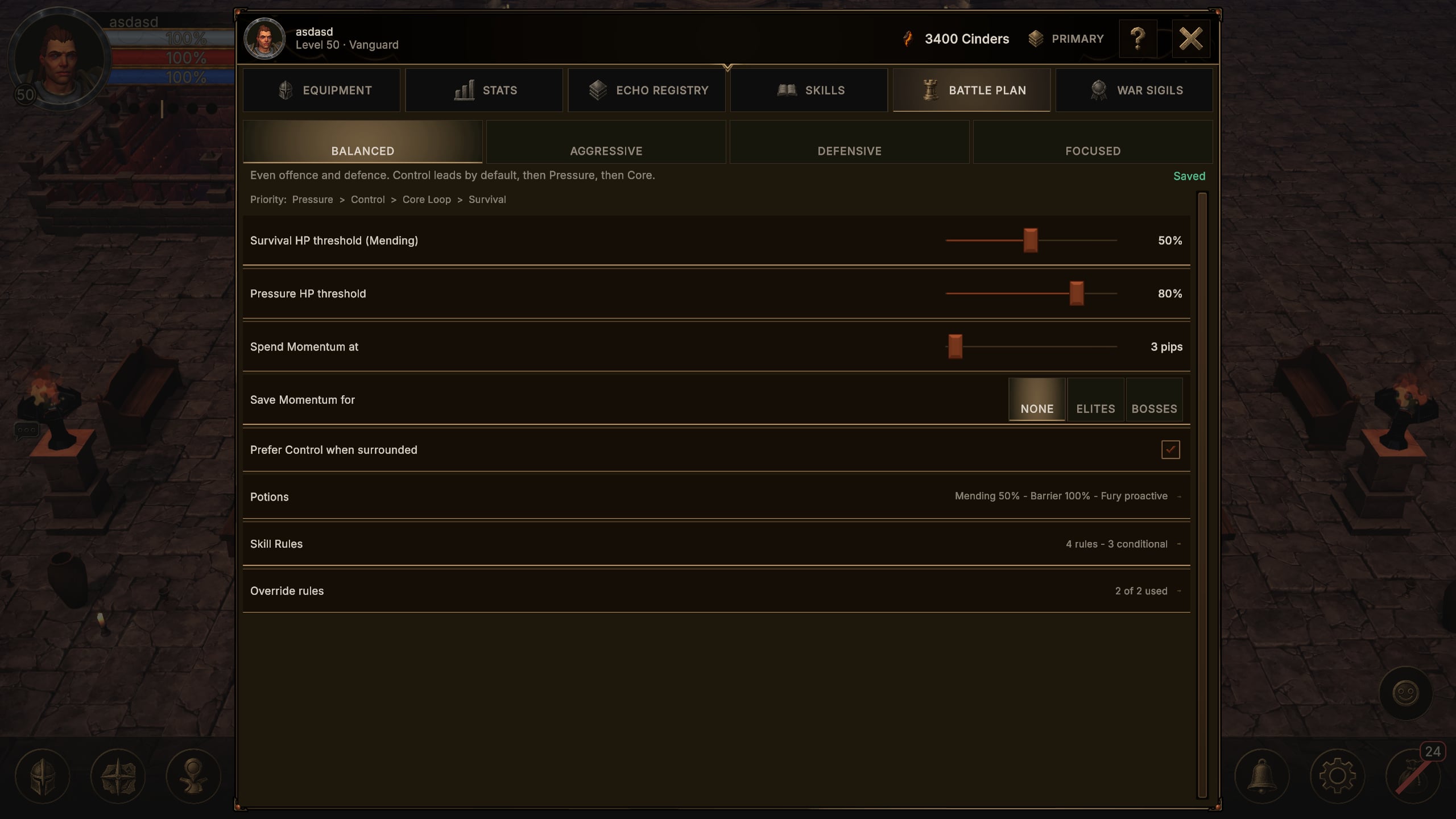
Battle Plan - shape your combat automation
- Configure your Battle Plan to guide how your character fights automatically. - Choose a posture and adjust Survival and Pressure controls to suit your build. - Use Skill Rules and Override Rules to determine when your assigned skills should take priority. - Configure potion behavior alongside your skills, and revise your plan when you find new equipment or face a different encounter.
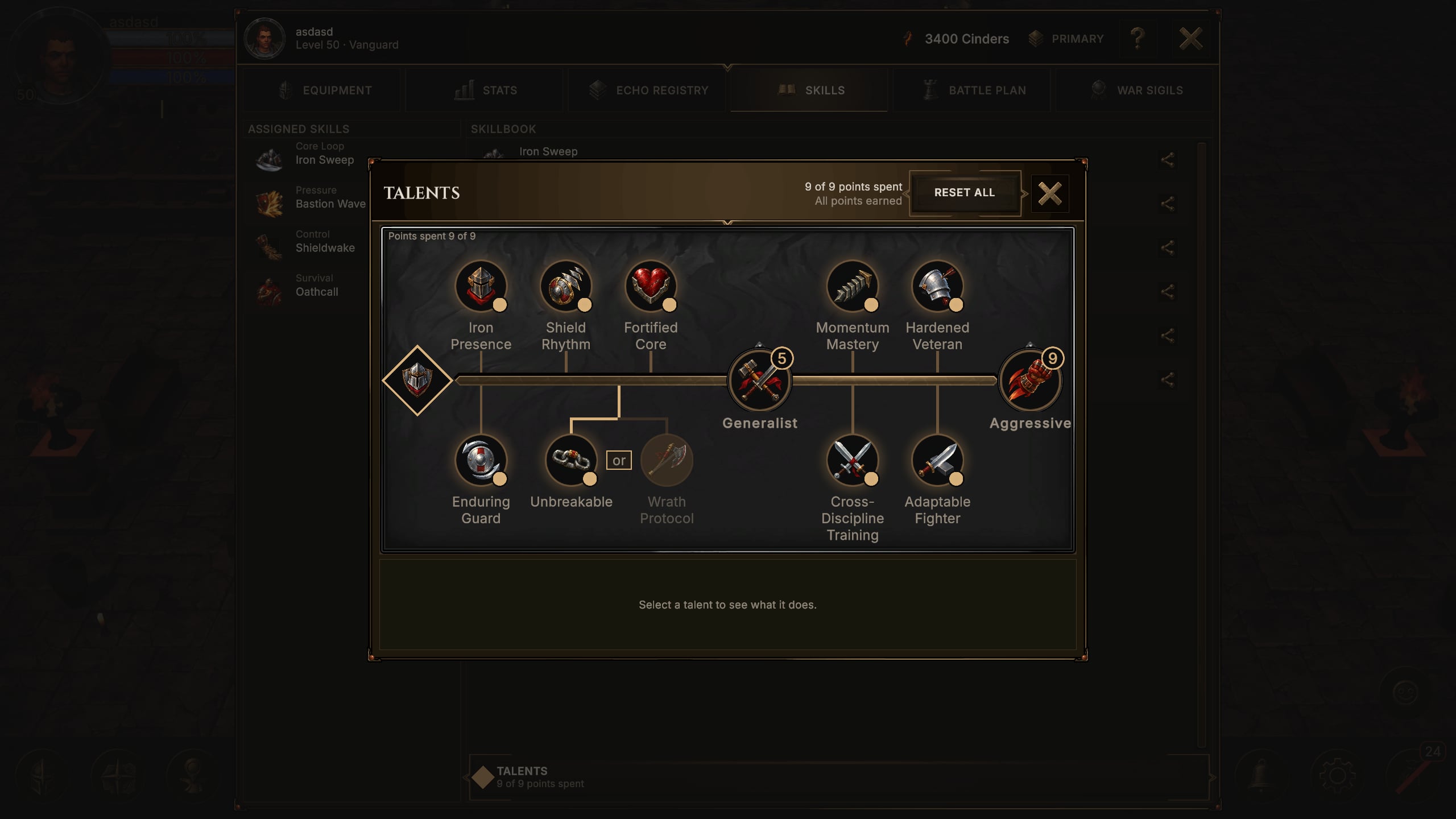
Equipment, loot and Talents
- Discover the Vanguard's equipment roster, including named items, and compare potential upgrades in the Character and equipment windows. - Shape your equipment with affixes, and spend Talent points in the Vanguard Talent tree. - Manage items through your inventory and Stash. Appraisal sends each item you find to Incoming Loot or the Salvage Queue. When Incoming Loot is full, extra items wait in Held Items and move in as you make room.
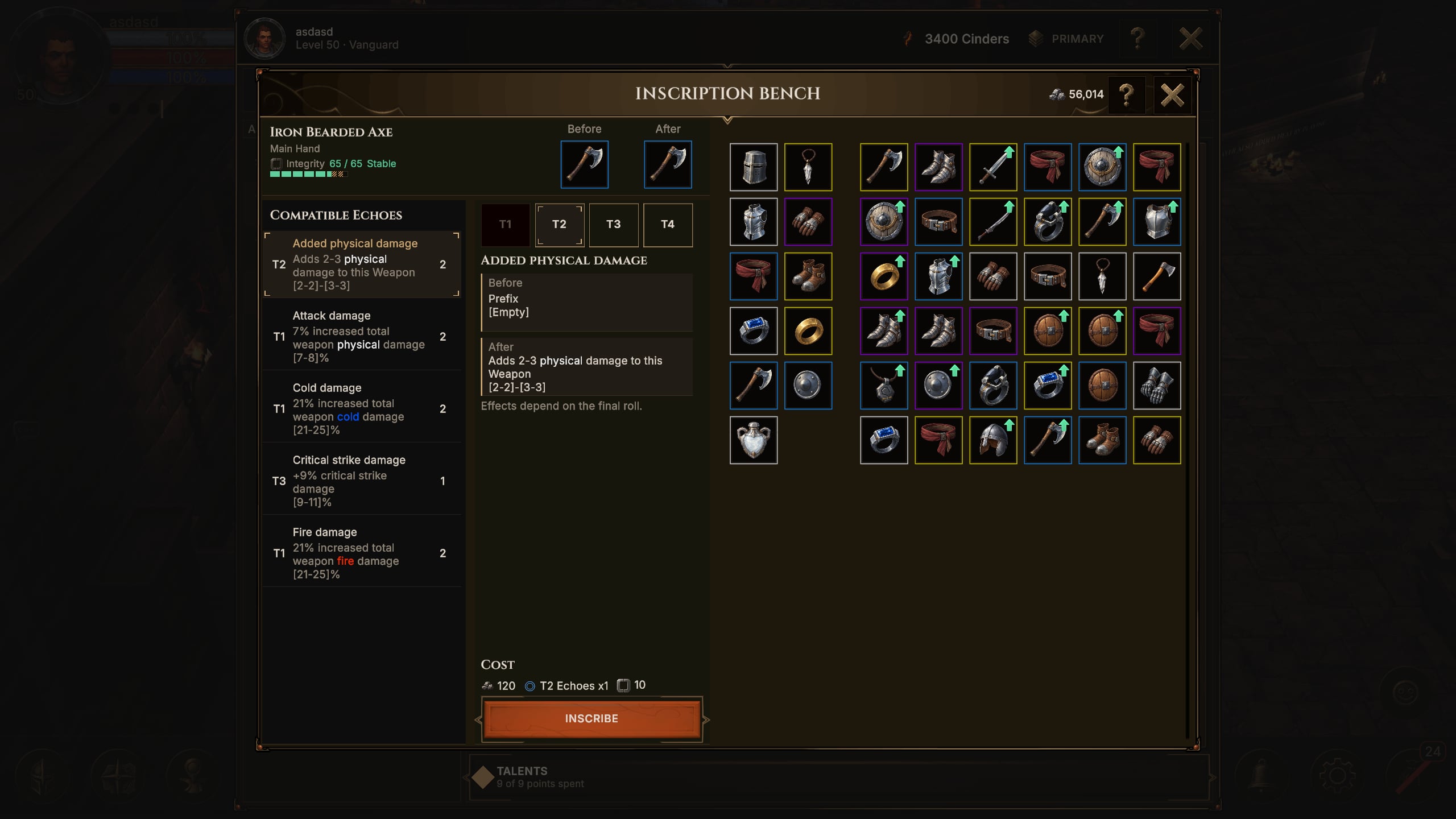
Inscription, appraisal and salvage
- Use the Inscription Bench and Quick Inscribe to work on your equipment. - Salvage unwanted items for Ore, then use it to continue improving your gear. - Salvaging an item keeps its best affix as an Echo in your Echo Registry, ready to spend on gear worth keeping. - Configure appraisal presets and custom rules to help evaluate the items you collect. Adjust your choices as your build and priorities change.
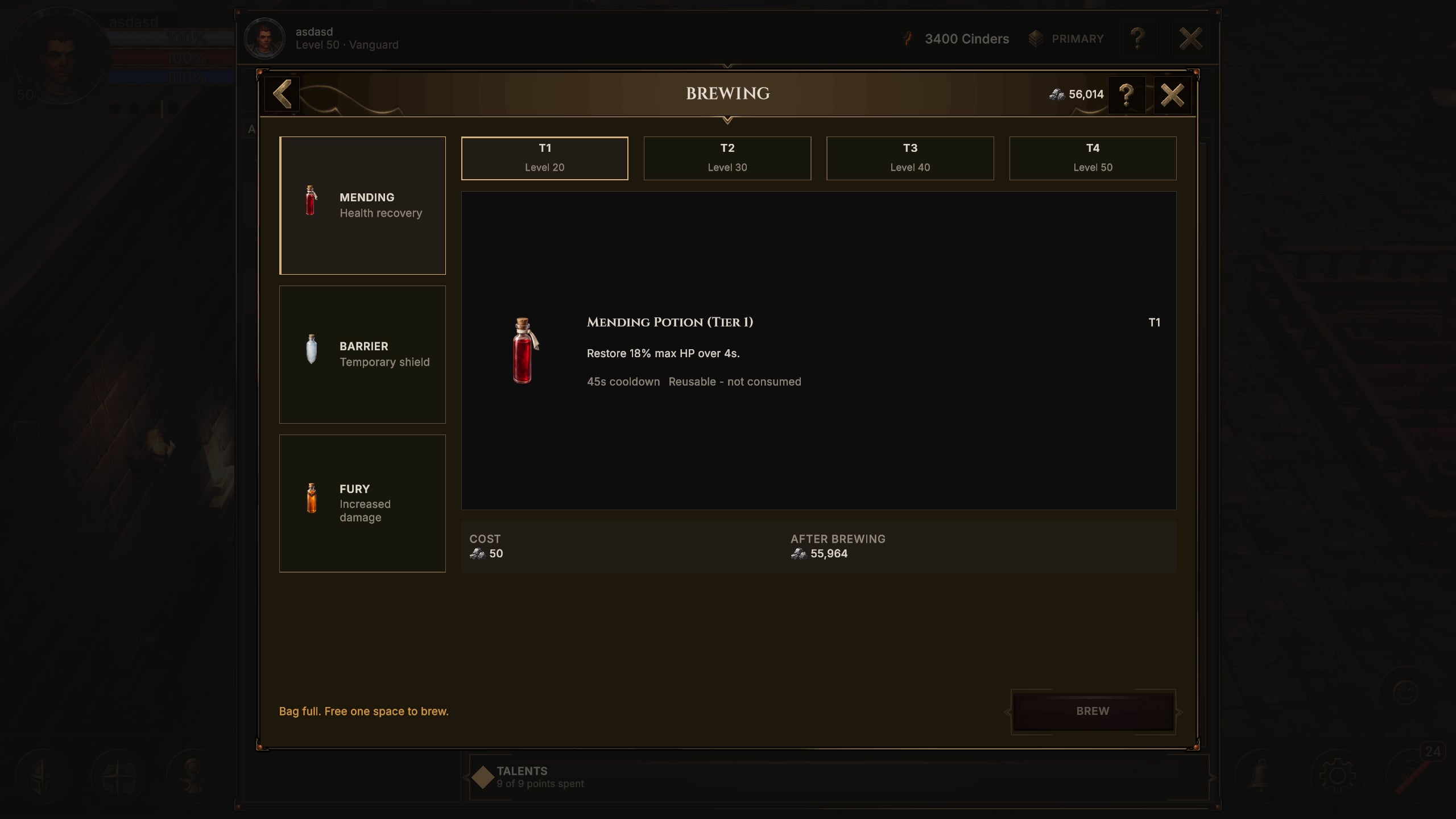
Potions and brewing
- Prepare potions for your combat setup and configure their use through your Battle Plan. - Brew reusable potions, then add an affix to them at the Inscription Bench to support your build.
Wardstead - a place to prepare
- Return to Wardstead between expeditions to review your build and use its crafting stations. - Time spent in Wardstead builds Warmth, up to 60 minutes a day. Warmth doubles the XP you earn in combat and only counts down while you fight. - Meet other testers in Wardstead and greet them with emotes.
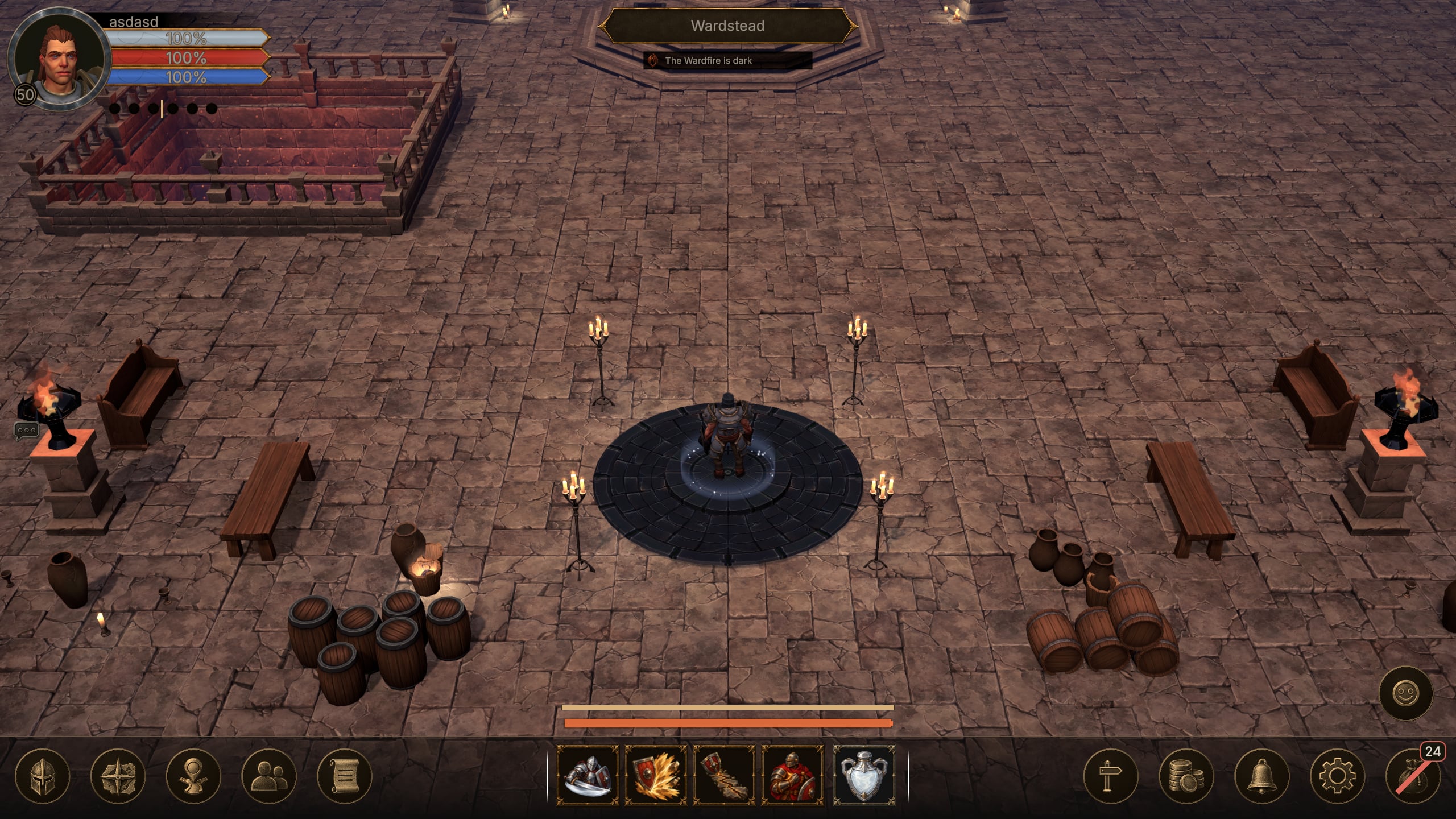
The Wardfire
- Feed the Wardfire in Wardstead with Heat to give everyone in the realm bonus XP while it burns. - Every playtest account starts with 1,200 Cinders to spend on Heat. - Adding more Heat within an hour raises the Wardfire to higher tiers, with larger XP bonuses and, from tier III, one extra item for every 5 items found (every 4 at tier IV, 3 for every 10 at tier V).
World selection and progression
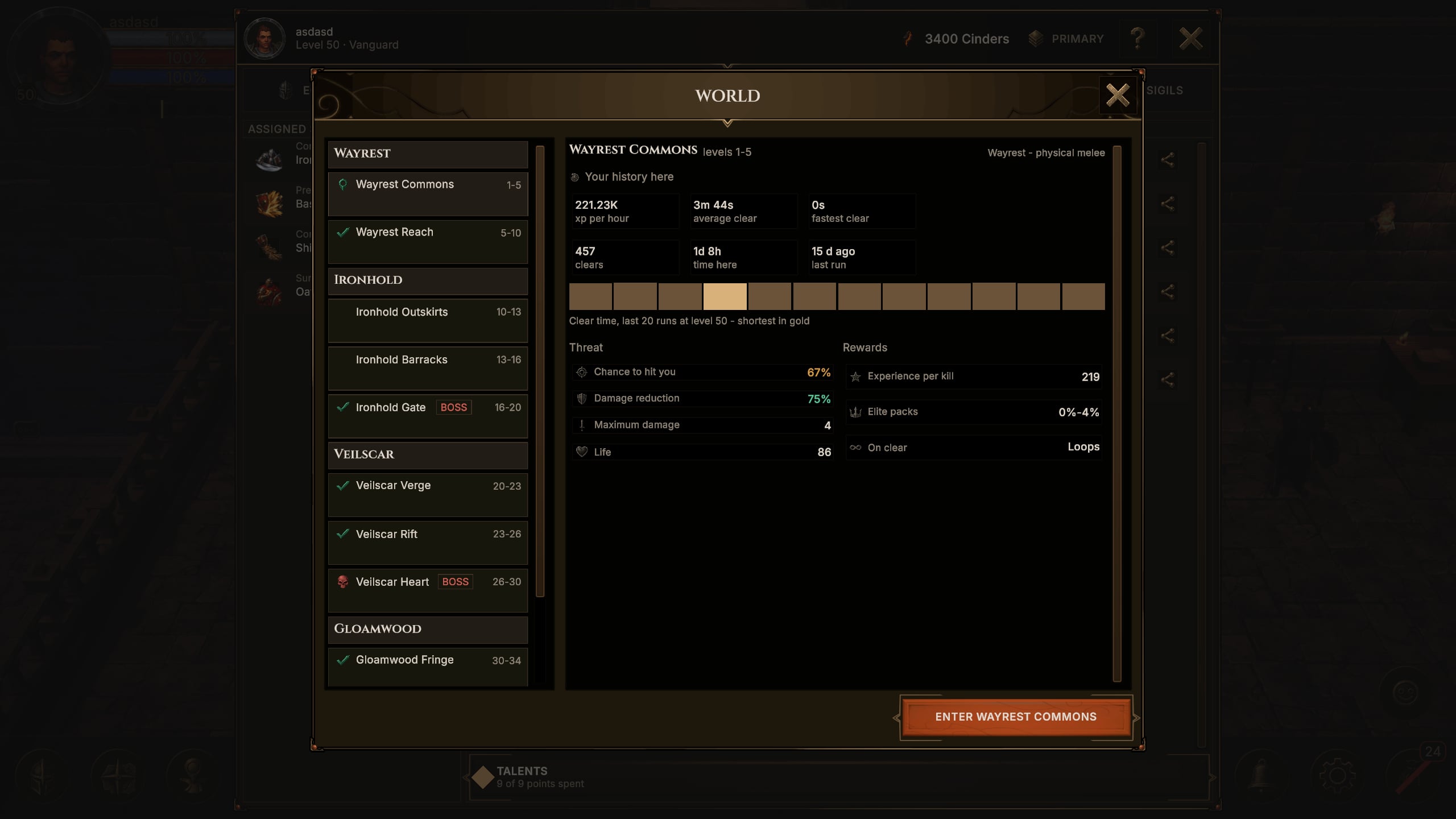
- Your adventure begins in Wayrest Commons, where optional tips introduce the basics as you play. Visit the Waygate in Wardstead to browse regions and choose where to adventure. - Gain levels, unlock skills and revisit your combat and equipment choices as you progress. - Defeat each zone's milestone boss to open the next. The level cap for this playtest is 50. - Use the in-game guidance and help topics when you need a reminder about a system or control.
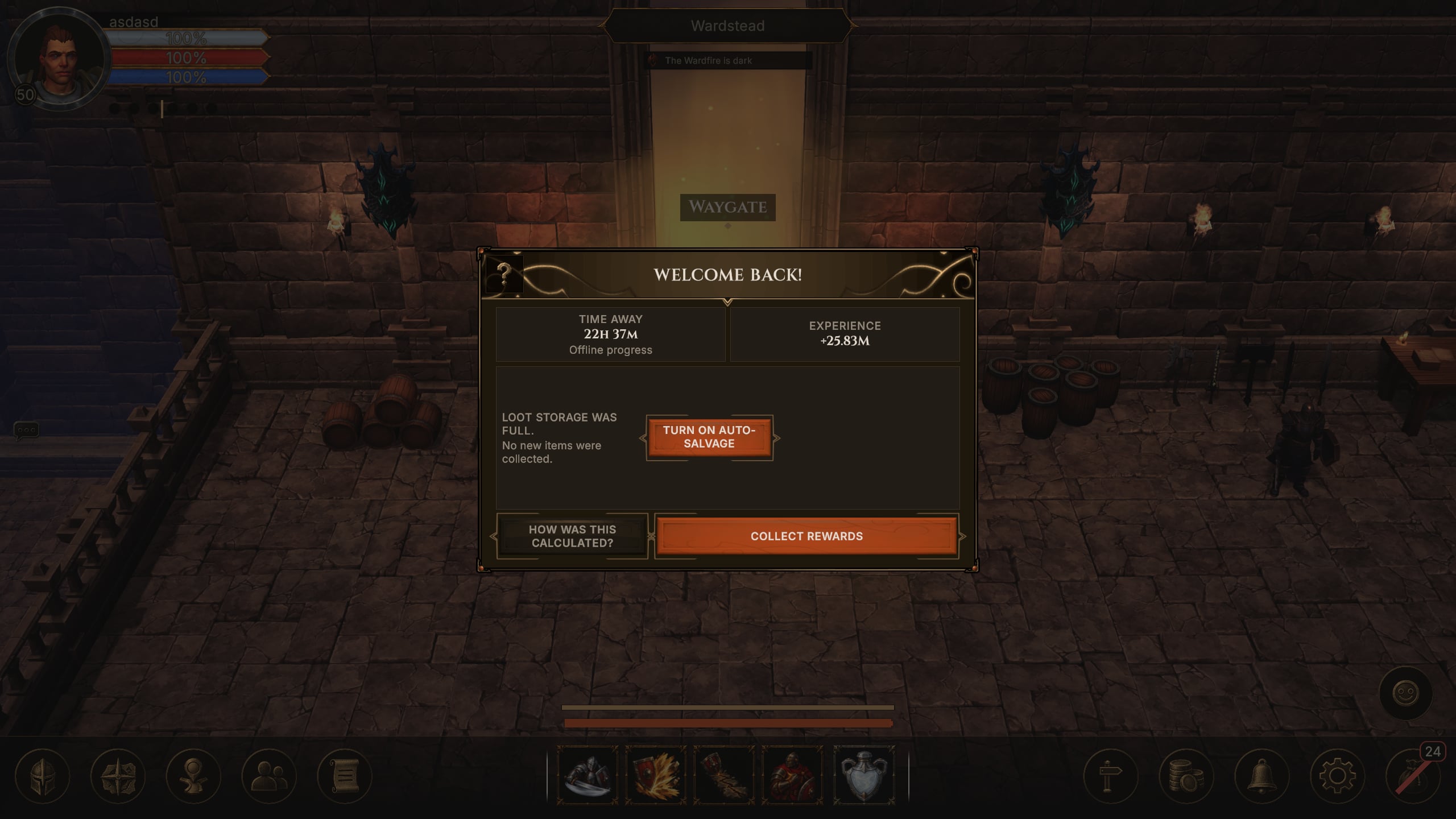
Offline progress and Welcome Back
- Return to a Welcome Back summary of your offline progress and claim the rewards from that return. - Review collected items and continue your loot-management or salvage flow. - Items found while you were away can be salvaged for Ore.
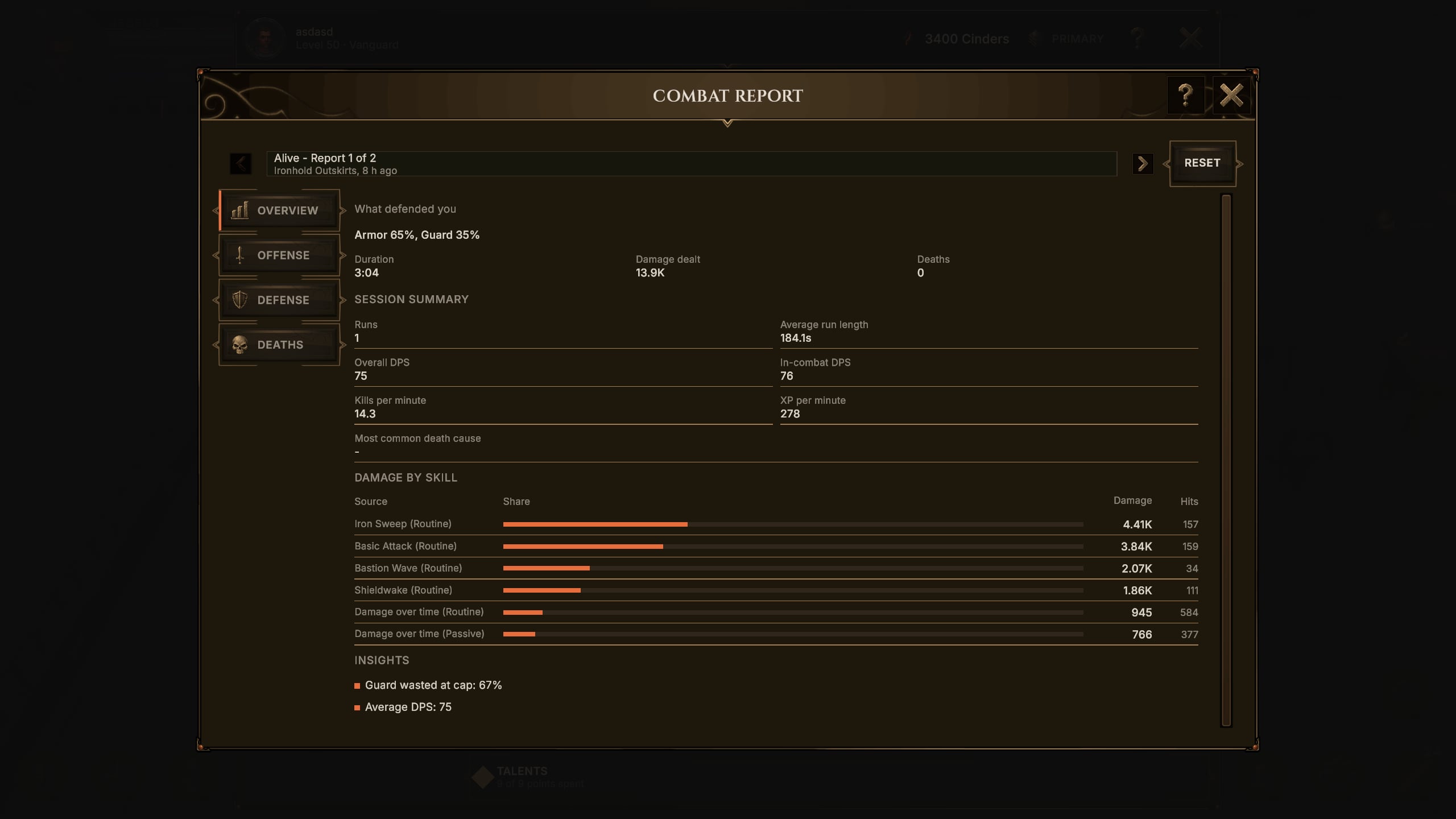
Combat Report
- Review encounters and deaths through the Combat Report. - Inspect skill damage and cast information alongside potion and Battle Plan context to understand how your setup performed. - Use the report to guide your next equipment or combat-plan adjustment.
Chat and Social
- Talk with other testers using the in-game chat and Social interfaces. - Use replies and emoji to keep conversations easy to follow. - Check the leaderboards, add friends and inspect other players from chat, your guild roster or your friends list. - Report inappropriate character names.
Settings and languages
- Play in 17 languages and change the language at any time in Settings. - Adjust the UI scale and rebind keys to suit your setup.
Alpha focus
The first cohort is a closed Steam Playtest for Windows, with an early Linux build. We are looking for feedback on combat clarity, build choices, item upgrades, crafting and the pace of progression. This is a focused Vanguard playtest rather than the full launch content set. There are no real-money purchases in this playtest. All progress will be reset after the alpha playtest ends.
The Ascent
- Unlock The Ascent at level 50 for the playtest and push through procedural floors of increasing difficulty. - Face boss floors, use checkpoint progression and work toward a new personal best. - Review your attempt result before preparing your next push.
Basic guilds
- Create or join a guild, find other guilds and manage your membership. - View your guild's roster and talk with members in Guild Chat.